Discover UI
With everything installed, we have to find the UI.
Sidebar
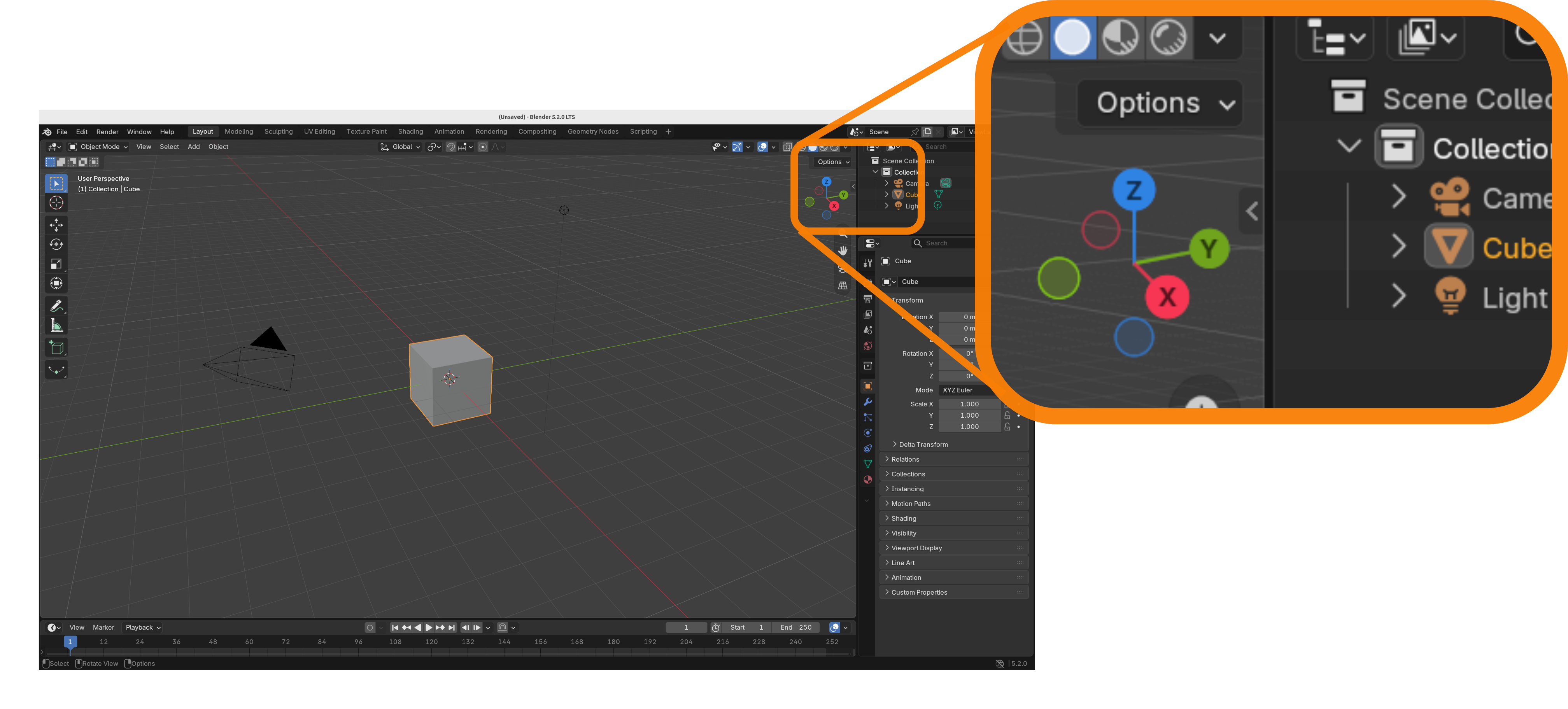
The most important Squishy Volumes UI is in the sidebar, which is hidden by default. You can open the sidebar either by pressing the hotkey ‘n’ or by clicking on that tiny arrow:
Squishy Volumes Tab
Within the sidebar, most likely at the very bottom, there is the Squishy Volumes tab! Click on that.
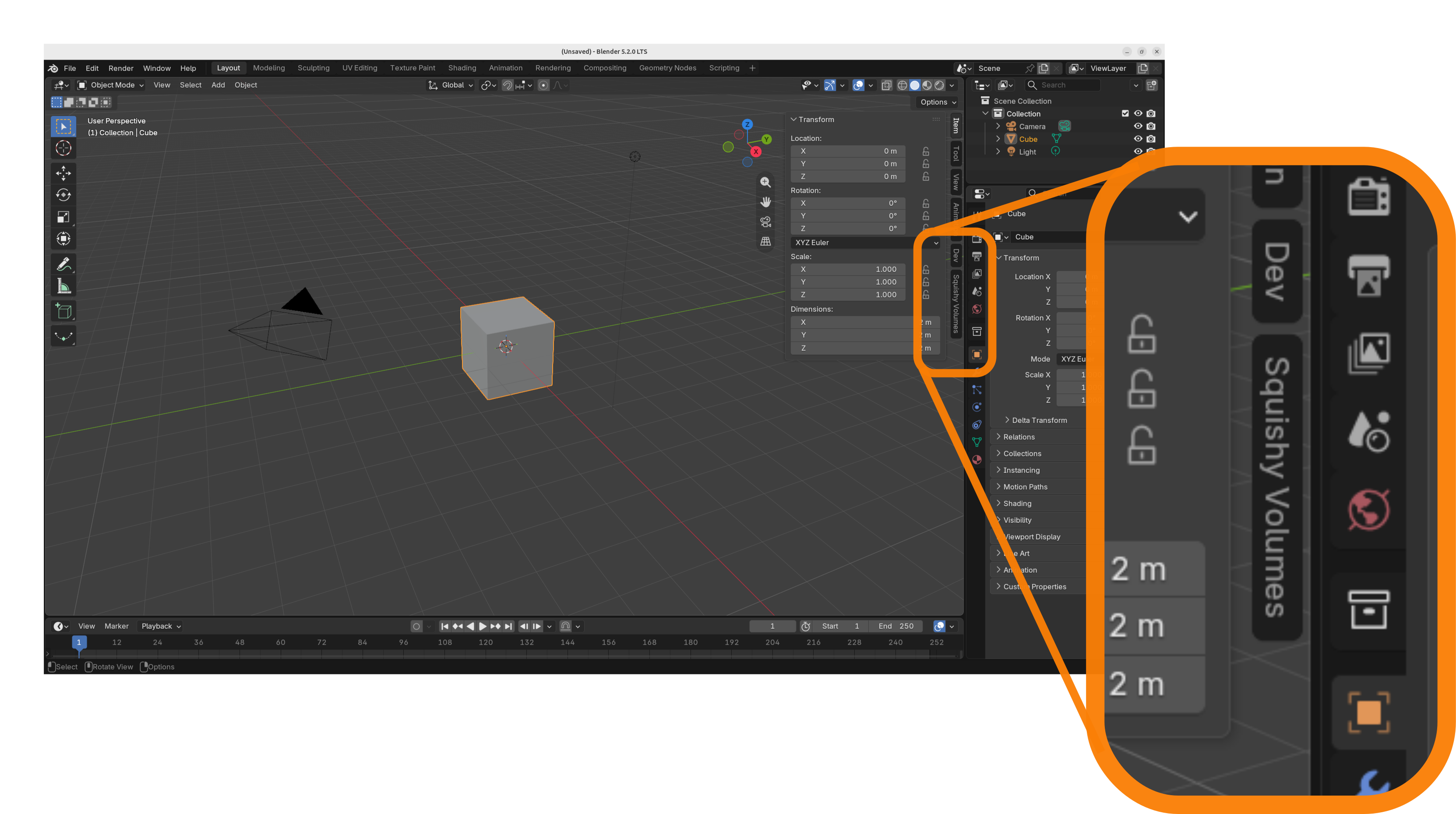
We have discovered the Squishy Volumes UI!
Now there is only this one panel ‘Overview’ with two buttons to start with, but this space will soon be populated with all the knobs and buttons that are relevant to Squishy Volumes.
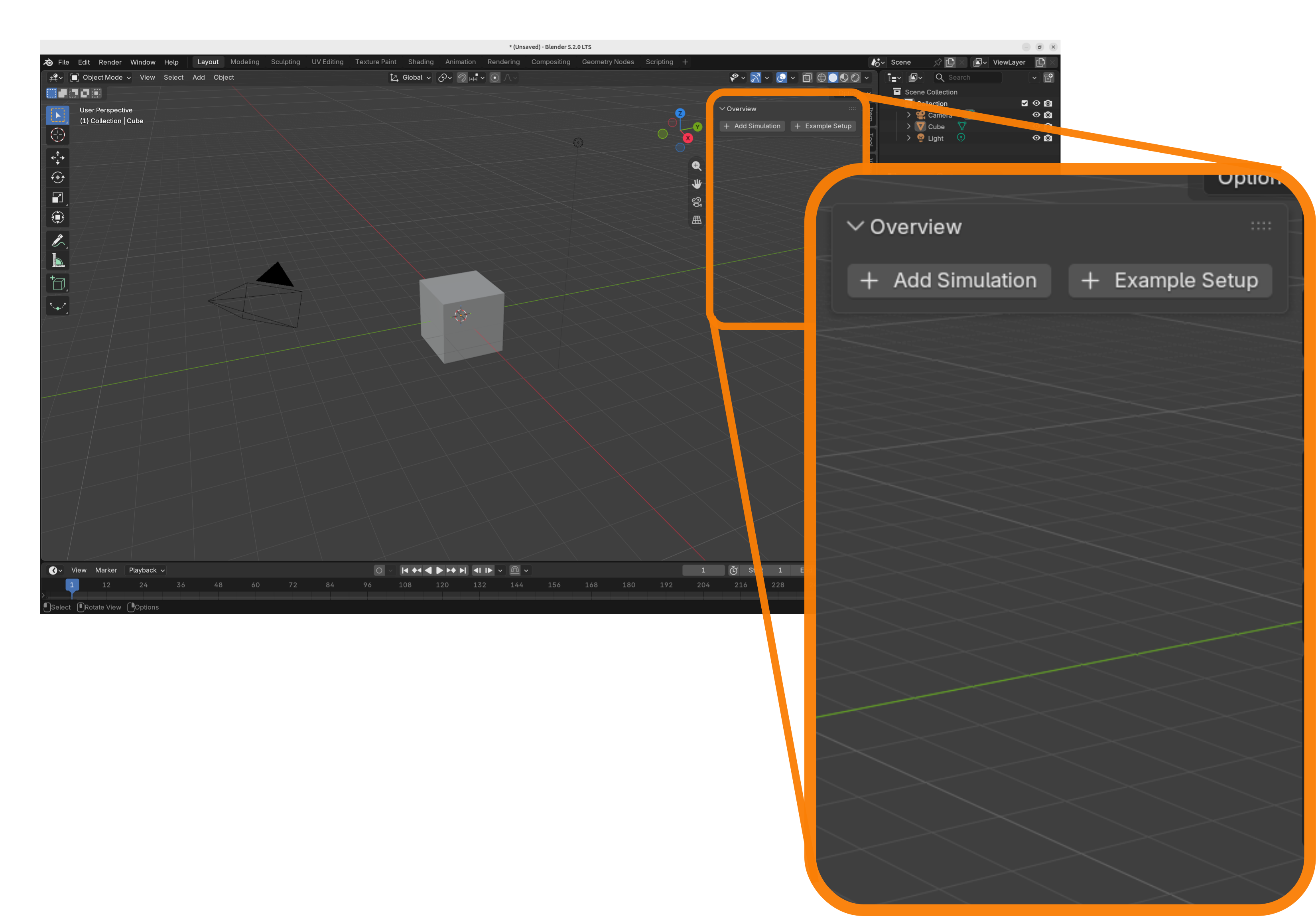
Kick in the next gear, we’re about to simulate an example setup.