Installation
The first step is to install Blender and the Squishy Volumes extension.
Blender
The Squishy Volumes Extension runs within Blender, so download Blender if you haven’t already. This section of Blender Guru’s beginner video got you covered if you’ve never done this.
Important
The Squishy Volumes extension currently requires Blender 5.0, 5.1, or 5.2.
Unpack or install and start Blender.
Squishy Volumes
Here we’re going with the ZIP-approach.
The preferred way to get Squishy Volumes is via Gumroad. It is Pay-What-You-Want, and any amount is greatly appreciated!
This is what you get:
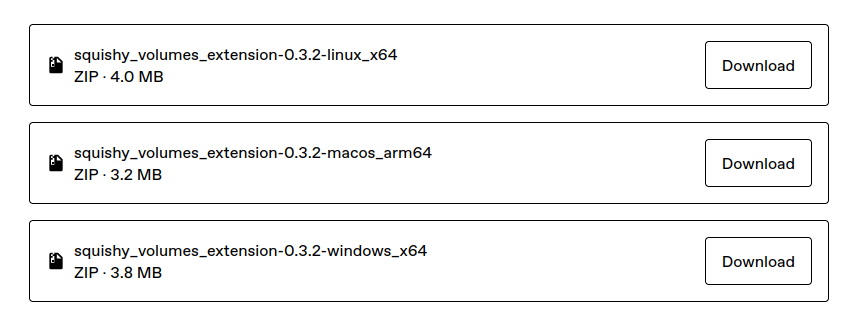 You only need one of these ZIP files, choose the one that fits your operating system. It contains everything you need to run Squishy Volumes.
And
Then you just drag and drop the ZIP file into Blender like this:
You only need one of these ZIP files, choose the one that fits your operating system. It contains everything you need to run Squishy Volumes.
And
Then you just drag and drop the ZIP file into Blender like this:
The info Installed "squishy_volumes_extension" pops and we’re ready to squish some volumes!
See troubleshooting installation if you don’t see that info.
Next, we’ll discover the Squishy Volumes UI.