Troubleshooting
Here are solutions to some common problems.
First, if you are not using the latest release of Squishy Volumes, please have a look at the changelogs of newer releases. Your problem might already be solved in a newer release.
If you can’t find a solution to your problem here, please consider the get-help Discord channel and opening an issue on Github.
You can also just message me (Vollkornaffe) on Discord directly, I’m happy to help.
It is never the user’s fault.
I swear by this. Yet certain problems are so hard to solve ‘completely’ that we have to cut some corners (at least for now) and this is why this chapter exists.
No Squishy Volumes UI
If you cannot find the Squishy Volumes UI:
Please make sure that you have installed Squishy Volumes and that you are in Object Mode.
If you have several other Add-ons installed, you might need to scroll down in the sidebar.
Installation
Here are some problems related to installing Squishy Volumes.
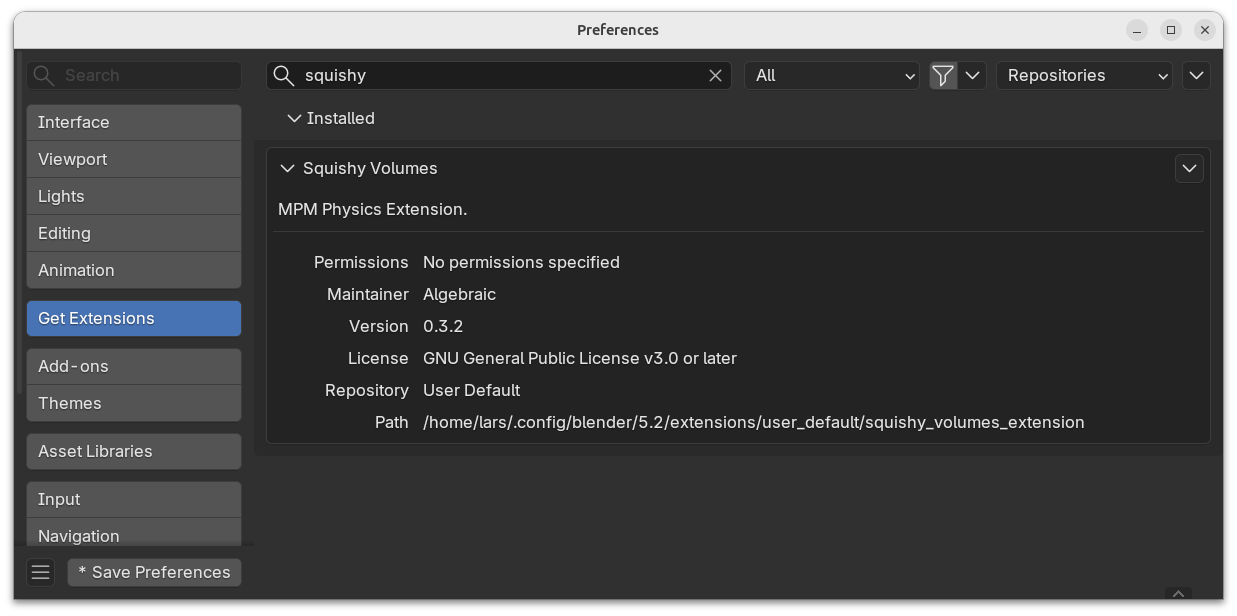
Verify
Please try to verify that Squishy Volumes is installed in Edit > Preferences (Ctrl + ,).
Multiple
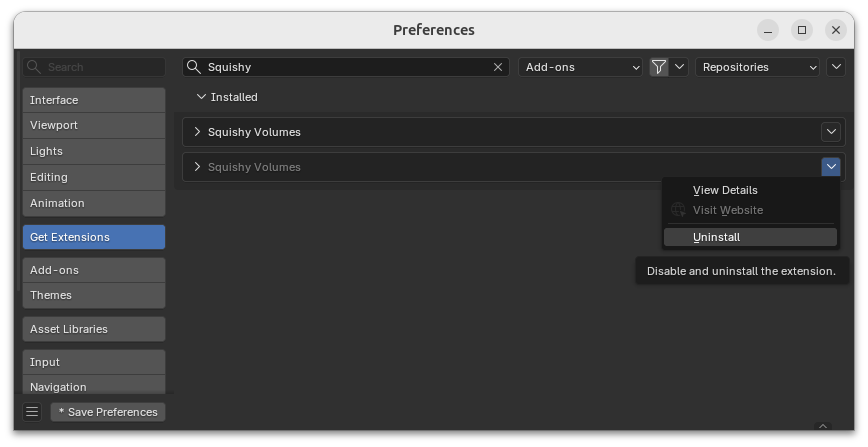
This can happen by mixing installation methods.
If there are multiple installations of Squishy Volumes present, remove duplicates.
Orphan
This can happen when ‘extension.blender.org’ was chosen during install.
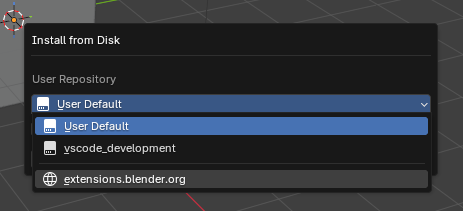
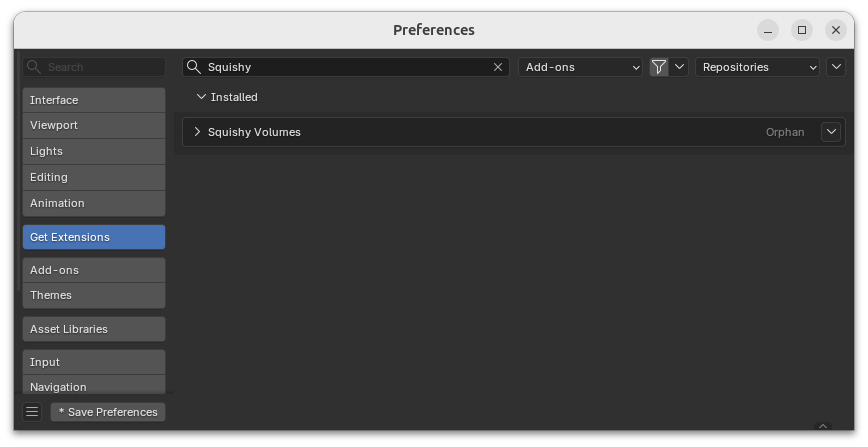
Please uninstall and try again with ‘User Default’.
Unsupported Blender Version
Make sure your Blender version is supported.
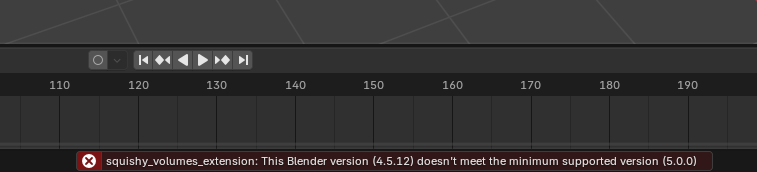
You’ll see this when you try to install Squishy Volumes in an unsupported Blender version like 4.5.12: